
01 / QUEUE
Structured prompt queues
Organize multiple creative prompts with custom video models, ratios, and durations in a clean, user-driven workflow assistant.
Turn your prompts into a production workflow. Queue generations, connect your scenes, and keep every download in order with FlowJix.
 Scene 01 · Above the clouds
01 / 03
Sample queue simulation. FlowJix automates this inside Google Flow.
Made for your
creative workflow.
Stop pasting prompts one at a time. FlowJix streamlines the process so you can direct the story.
Organize multiple creative prompts with custom video models, ratios, and durations in a clean, user-driven workflow assistant.
Chain scenes seamlessly using @start: and @end: frame tags. Pass character references and visual environments forward across scenes.
Organize finished videos into clean project folders. Stitch your scene clips into a continuous MP4 film right inside your browser.
Explore the six core creative workflow pillars built directly into FlowJix for Google Flow creators.
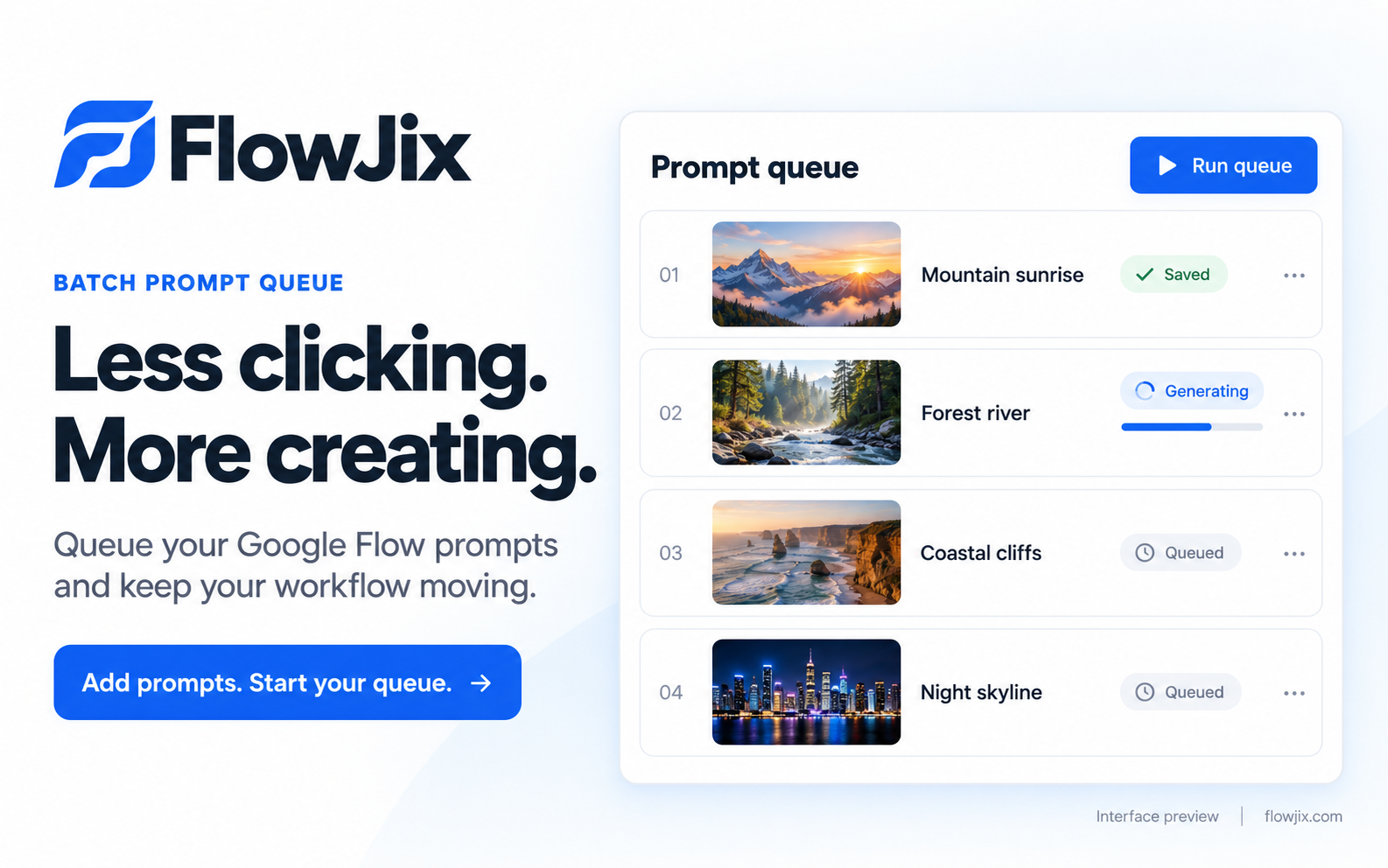 Click to enlarge
Queue multiple prompts simultaneously with custom video models, aspect ratios, and durations. FlowJix helps organize, track, and manage each prompt cleanly in your browser.
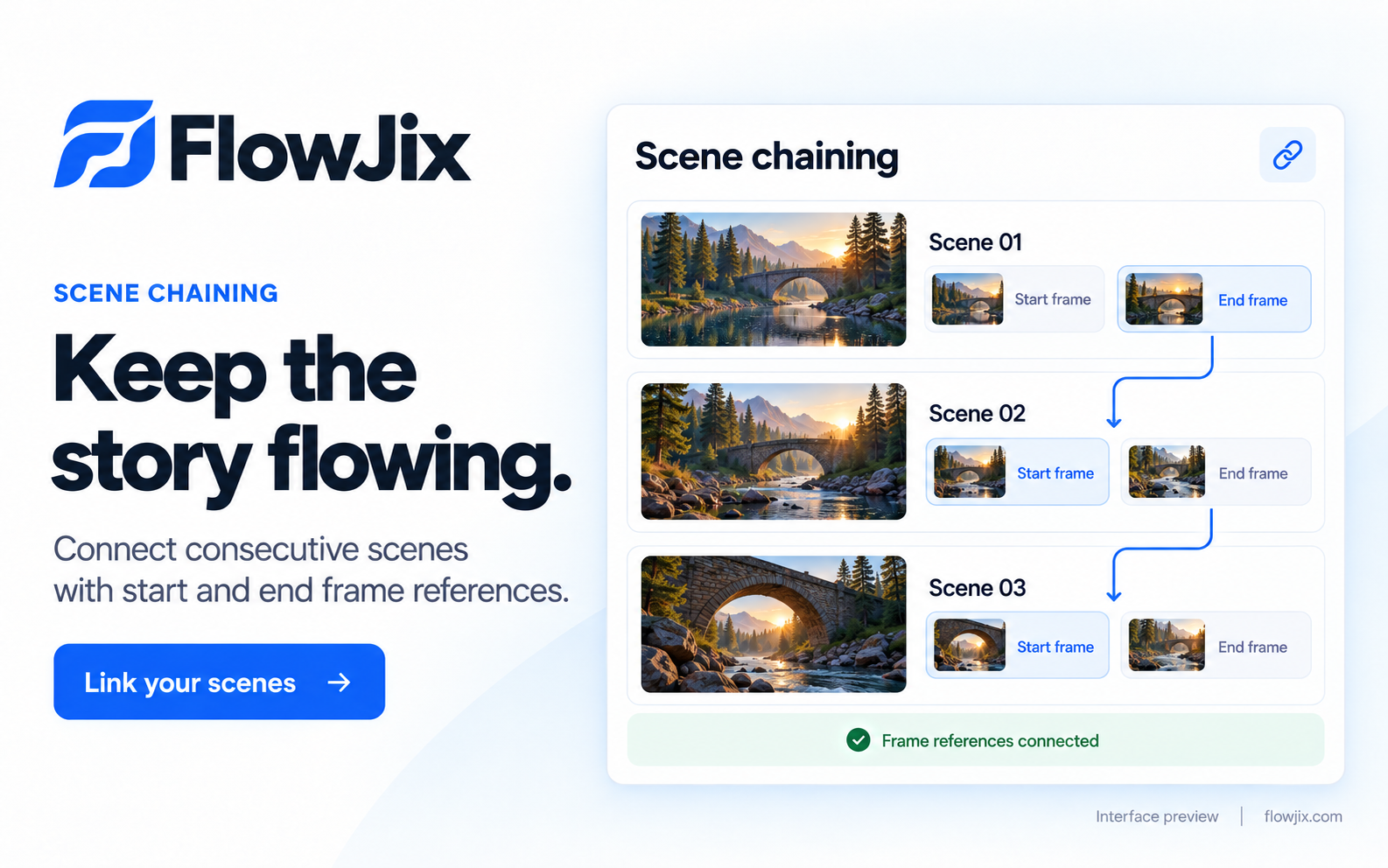 Click to enlarge
Automatically pass the final keyframe of Scene 1 into the start frame of Scene 2. Maintain perfect character, lighting, and environmental continuity across every take.
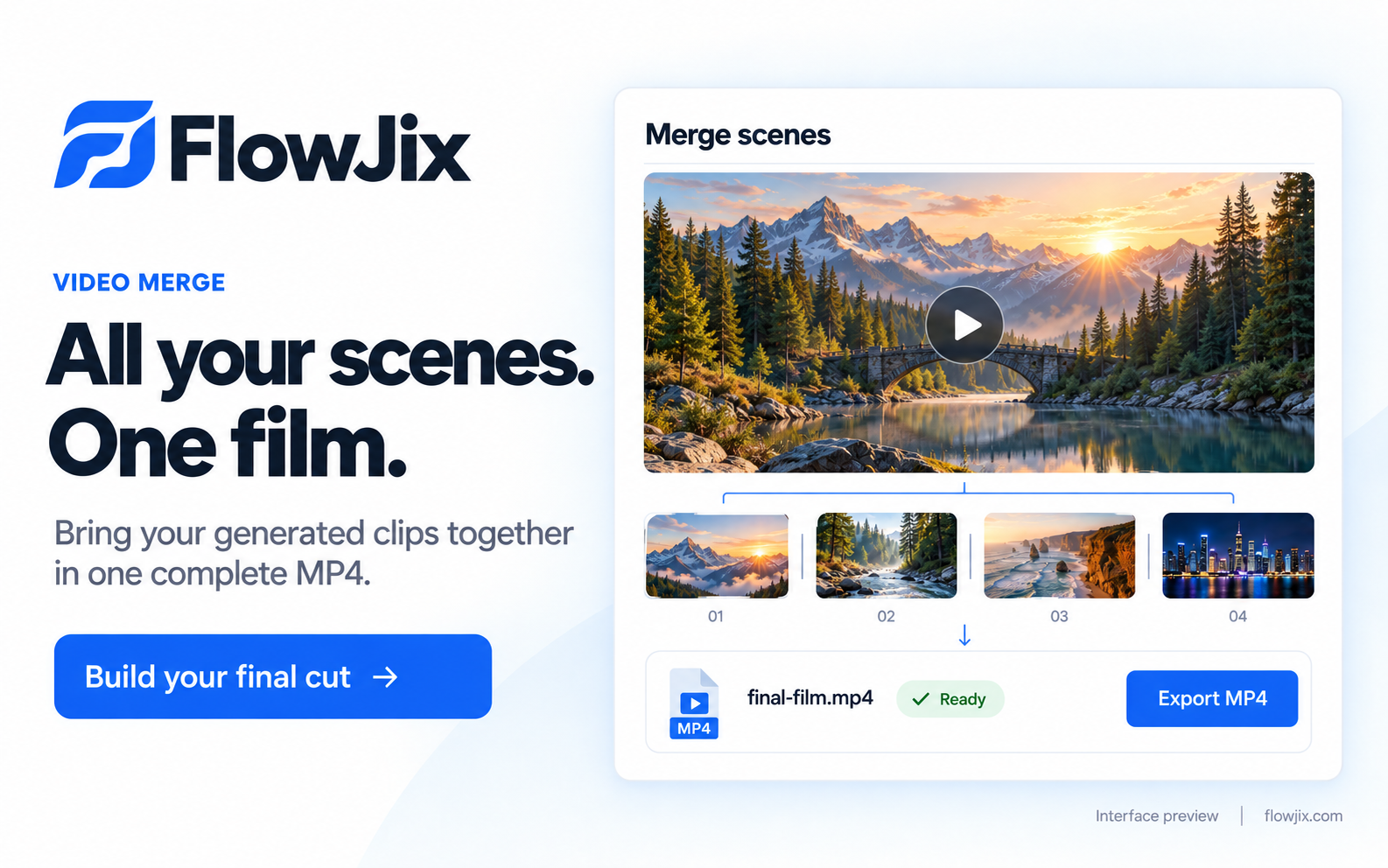 Click to enlarge
Stitch all your generated scene clips into a single continuous high-definition MP4 movie right inside your browser without opening external video editors.
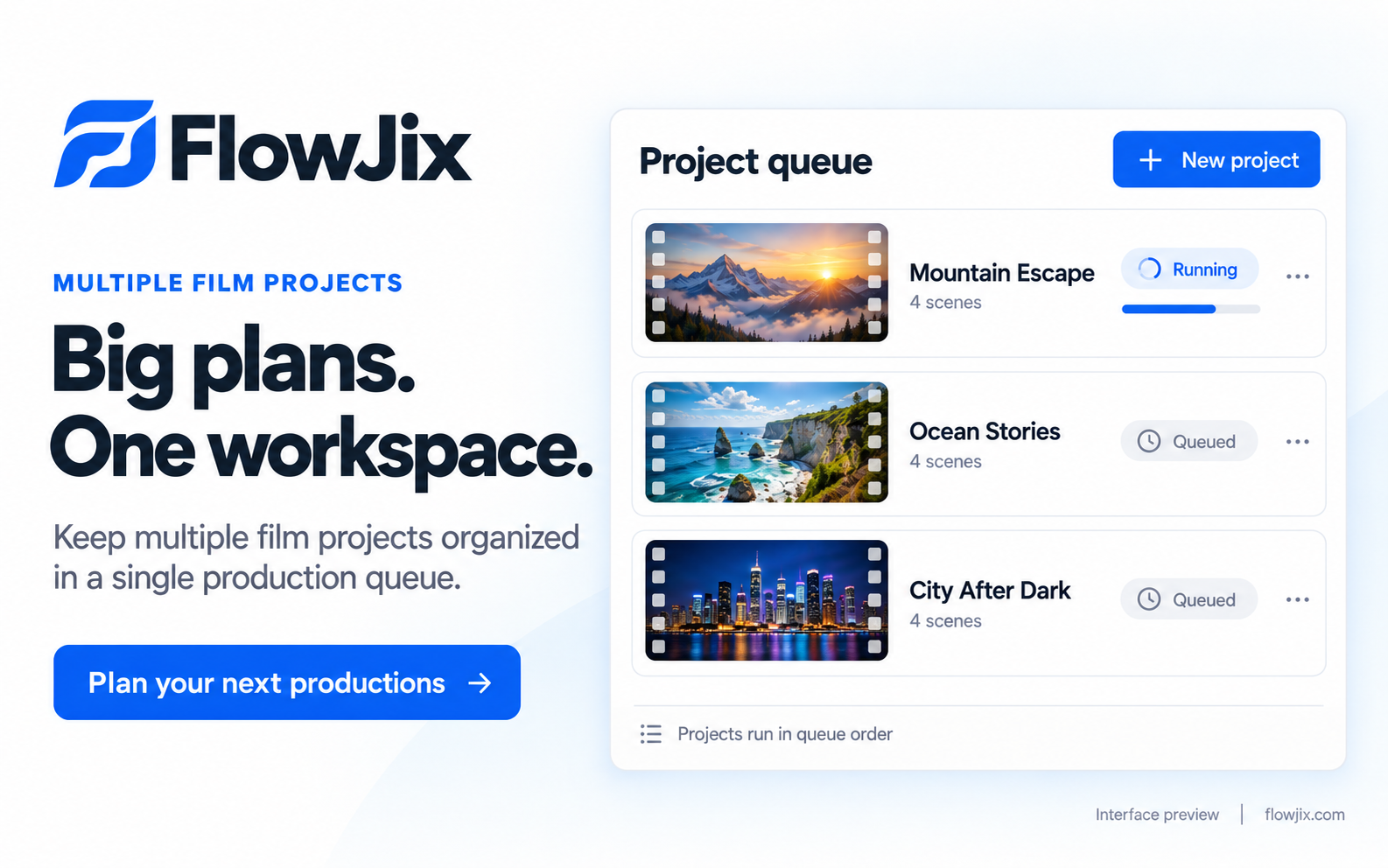 Click to enlarge
Manage distinct batch projects, monitor real-time rendering status, retry individual scene fails, and pause or resume your automated workflow whenever you need.
 Click to enlarge
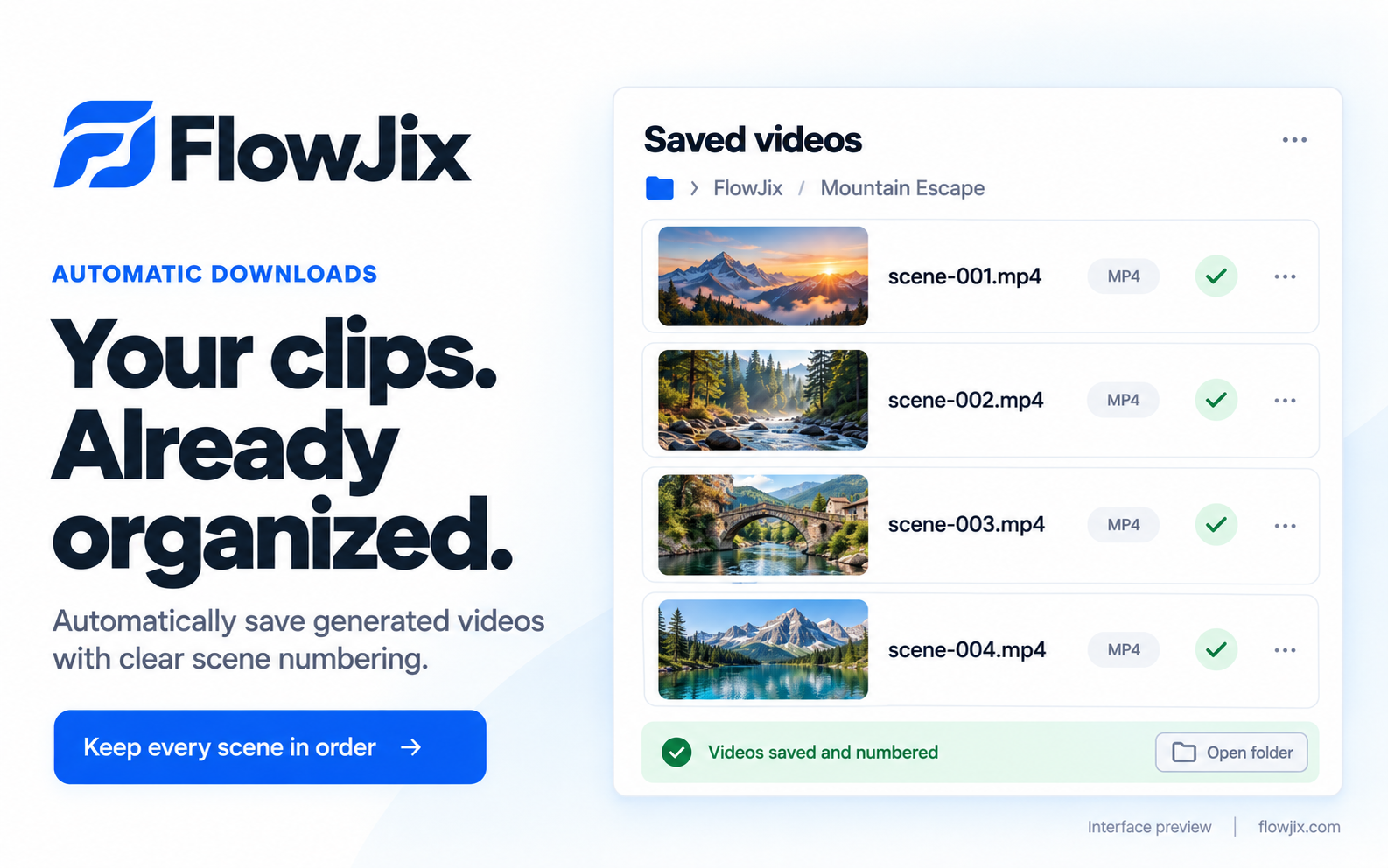
Never lose track of generated files. FlowJix applies clean sequential numbering and routes video downloads straight into custom local project folders.
 Click to enlarge
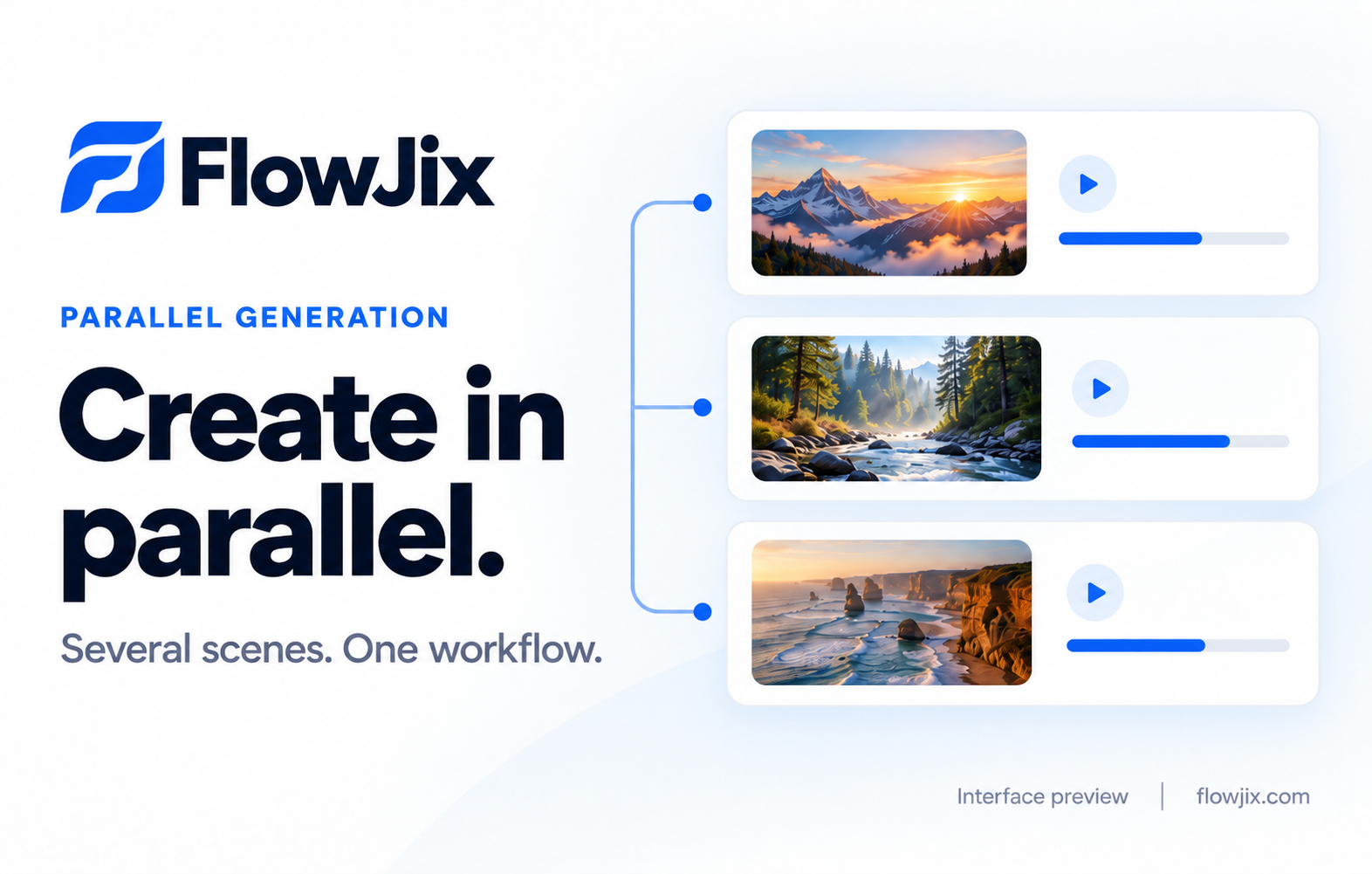
Multiply your daily creative output. FlowJix executes render pipelines in silent background tabs so your browser stays responsive for writing, editing, and planning.

Google Flow generates stunning individual clips, but connecting them has always been manual. FlowJix introduces Storyboard Chaining — automatically passing the final frame of Scene 1 into the first frame of Scene 2 so your story flows naturally.
Explore plans with Storyboard StudioEverything you need to master continuous storyboard chaining, multi-account concurrency, and zero-loss film merging. Synced live from our Creator Studio.
All plans include full access to the Chrome extension and creative workflow engine.
Essential workflow tools to organize your creative process.
Free forever
For solo creators and editors running active daily projects.
per month
High-volume production with multi-tab parallel power.
per month
One purchase. Ongoing lifetime access & updates.
one-time payment
A Google Flow account is required. Plans describe your FlowJix extension allowance.
Share your link with fellow creators. Earn recurring cash commissions on every referred Pro, Agency, and Lifetime upgrade.
Have something else in mind?
Talk to the FlowJix team
FlowJix runs as a Chrome extension directly on Google Flow. It queues dozens of prompts, applies your preferred models and aspect ratios, handles pacing, auto-chains consecutive scene frames, and downloads completed MP4s into organized folders.
Never. FlowJix runs securely inside your own Chrome browser session. You stay signed in to your Google Flow account normally; FlowJix never sees, transmits, or stores your Google credentials.
Using @start: and @end: tags or automated scene numbering, FlowJix takes the final rendered frame of Scene 1 and passes it as the image input reference for Scene 2. This maintains visual continuity across characters and lighting.
Multi-Tab Turbo runs multiple parallel browser tabs in Google Flow simultaneously. It automatically creates dedicated projects for each worker tab and rotates across your signed-in Google accounts (max 2 tabs per account) for maximum throughput.
Yes. You can manage or cancel your subscription anytime with 1 click from your FlowJix account dashboard. You will retain access until the end of your billing cycle.
Get FlowJix for Chrome and start with 10 free prompts every day.